It is frustrating when a stranger walks through your shot, but AI tools make it easy to remove people from the video instead of a retake. A stray trash can or a distracting sign often ruins a great travel vlog. You can use a video object remover to clean up these clips in seconds. These tools analyze pixels to remove an object from a video and create a clean background. If you want to know more, this guide reviews the best software and provides a tutorial on how to remove people from videos effectively.

Part 1. Top 5 Editing Apps To Remove Objects From Videos With AI
It is now simpler than ever to erase an object from a video using modern software. You can clean up messy backgrounds or erase unwanted people in just a few clicks. The following apps offer the best ways to remove object from video using AI.
Filmora: Best AI Video Object Remover Without Quality Loss
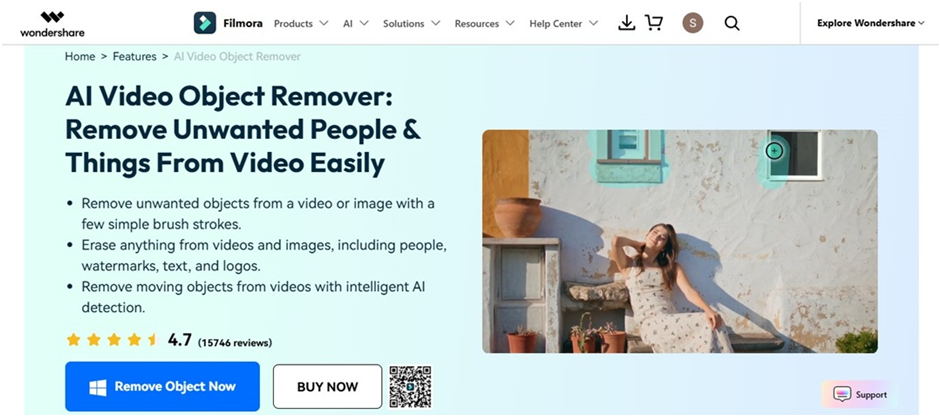
Wondershare Filmora offers a dedicated AI video object remover tool in its editor. You use the Magic Box mode to draw a square around static watermarks. The Magic Brush paints over moving people. This software tracks your selection through the entire clip to maintain a clean look without blurring the surrounding pixels.
CapCut: Simplest Tool for Masking Unwanted Video Objects
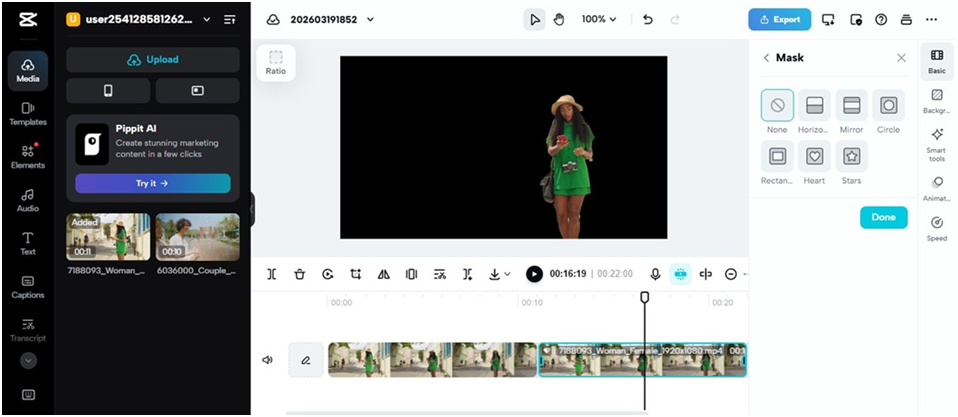
CapCut Online features a Mask option to remove a person from a video background. You use various shapes, like rectangles or circles, to cover the unwanted parts. This approach offers manual control for scenes where the AI needs a human touch.
Media.io: Top Online Object Eraser for Flexible Filling Modes
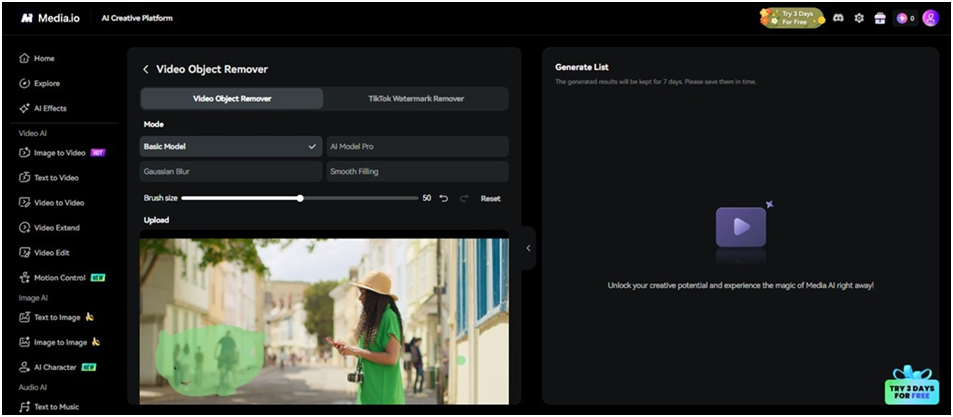
Media.io allows you to remove an object from a video online for free, directly in your browser. It provides four distinct filling modes. You can choose Gaussian Blur to erase logos or Smooth Filling to blend the background. This tool is a great choice for quick edits if you do not want to download software.
Videoleap: Best Mobile App for AI Video Object Removal
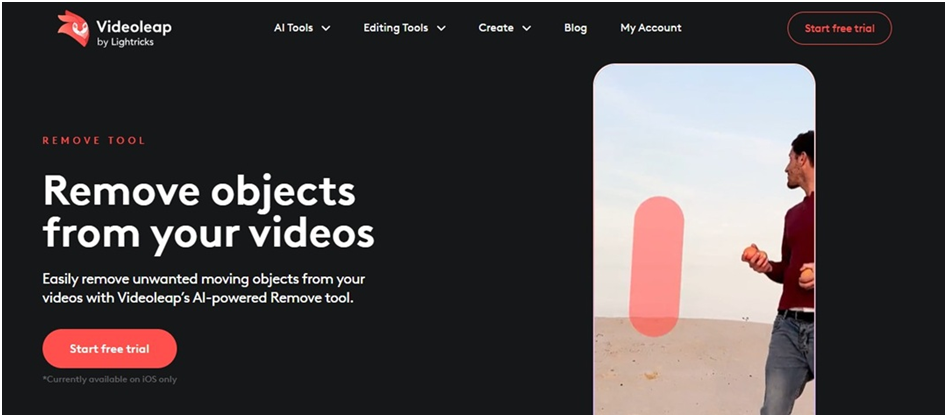
Videoleap has a powerful AI video object removal tool designed for iOS users. You brush over any moving or static element and tap apply to see it vanish. This app is ideal for creators who need to fix social media clips directly on their phones.
ImagineArt: Innovative Text-Based Video Cleanup
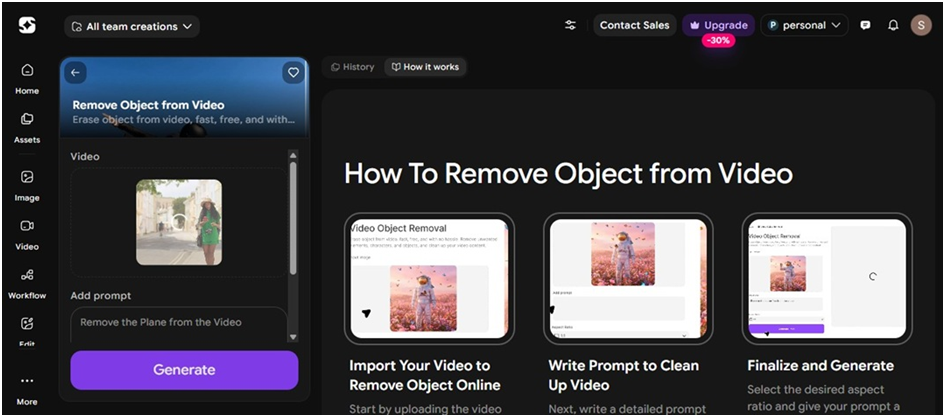
ImagineArt uses a unique text-to-erase system to remove something from videos using AI. You upload the footage and type a prompt to guide the tool. It eliminates the need for manual brushing and works well for clearly defined objects in high-resolution clips.
Part 2. Why Choose Filmora To Remove People and Objects From Videos?
It is easy to remove unwanted objects from videos using Filmora. This cross-platform video editing software provides a clean finish that other apps often struggle to achieve. While many tools leave behind blurry artifacts or warped backgrounds, Filmora reconstructs the scene with high precision for both people and objects.
- Smart tracking: It effectively handles moving elements by tracking them across frames to maintain consistency throughout the clip.
- High-quality output: The tool keeps the original video quality after removing objects in the video, preventing the pixelation often seen in other mobile or online editors.
- Remove multiple things from video: Mark several distractions at once for the AI to track and erase automatically.
- Avoid overlap errors: It distinguishes between your target and overlapping items to prevent accidental deletions of things you want to keep.
- Full editing suite: Use basic or advanced tools to further refine the footage, best for all video editing skill levels.

Part 3. How To Remove a Person From a Video Effortlessly
Filmora makes it easy to remove people from videos without any technical skills. You can clean up your shots in just a few minutes. Follow these steps to get a clean result.
Step 1: Import Your Media
Import your footage into Filmora and drag it onto the timeline. Find the AI Object Remover tool in the Video tab on the right panel. This video person remover handles the complex editing for you.
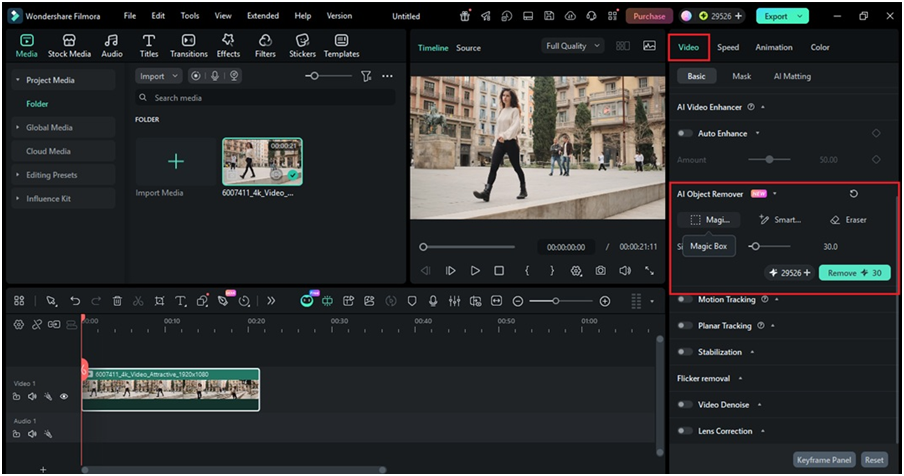
Step 2: Highlight the Person
Use the Magic Box or Smart Brush to select the area you want to clean. You can adjust the brush size to paint over the person. Click Remove to let the AI person remover from the video tool fill in the background.
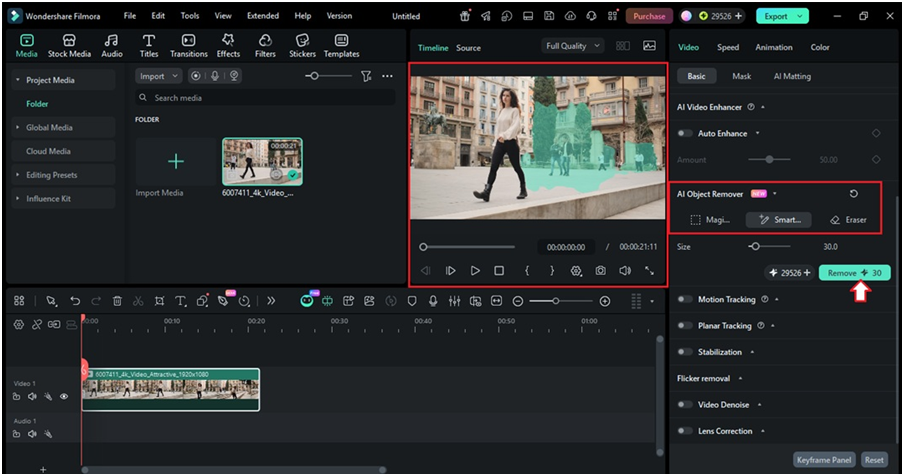
Step 3: Save Your Video
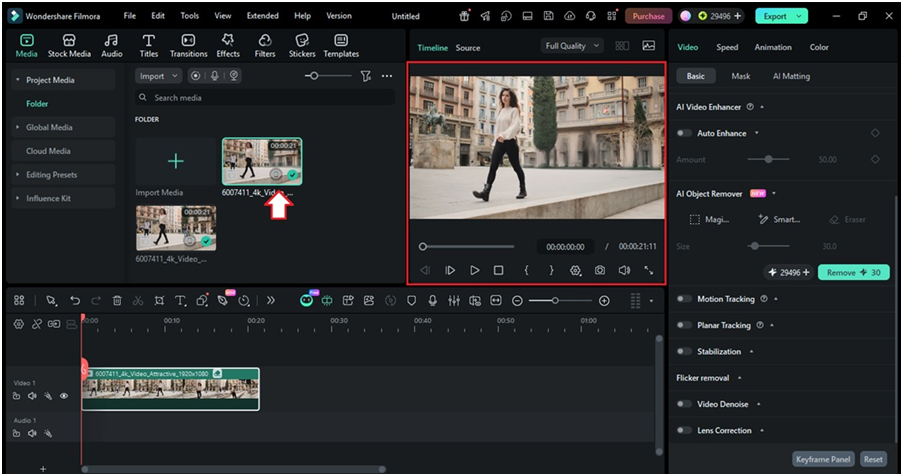
Check the results to ensure the background looks natural. Click Export to save your file or share it directly to social media. It is that simple to learn how to remove a person from a video using AI.
Part 4. Creative Uses for an AI Object Remover From a Video Tool
You can remove objects from videos for free to make your footage look professional. Most people only think about erasing strangers, but a versatile tool handles much more.
- Erase Watermarks
Old clips often feature logos or timestamps. A selection box targets these static elements so the AI fills the space naturally.
- Fix Background Clutter
Power lines or trash cans pull focus away from your subject. You can remove an element from a video like this to keep the scene clean.
- Hide Private Information
License plates or house numbers sometimes appear in vlogs. It is easy to erase objects from videos to protect your privacy.
- Create Empty Landmarks
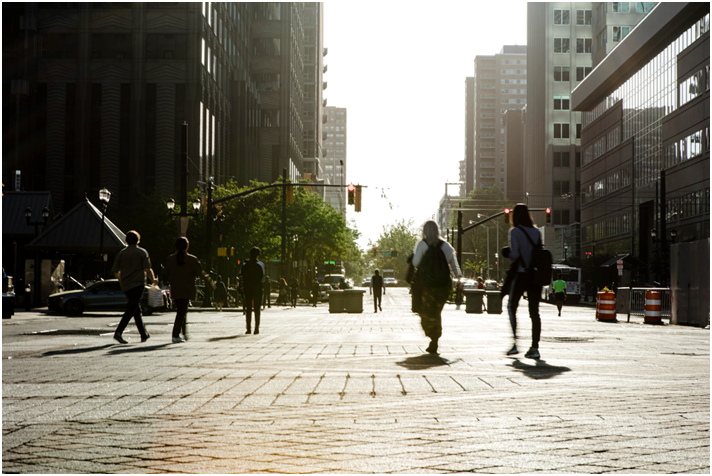
It is easy to remove people from videos to make a crowded street look deserted.
Conclusion
AI tools make it easy to remove a person from videos without manual frame-by-frame editing. The best apps for this include Filmora, which helps you clean up static and moving objects, people, and other things.
This video editor handles the tracking to save you time. Now you can remove an object from a video and ensure your clips look professional, even as a beginner.
FAQs
1. What AI tool removes people from videos?
Filmora features a built-in AI Video Object Remover tool that erases people in the clips with simple brush strokes. It replaces the space with surrounding pixels to keep the shot natural. This tool is one of the best ways to remove people from videos, and it keeps the original video quality.
2. How to remove a moving person from a video?
You can remove people from videos even if they are walking across the frame. Import your clip into Filmora video editing software and mark the subject. The program tracks the person through every frame to erase them automatically.
3. How long does video object removal take?
Manual editing used to take hours of tedious work. Filmora’s AI object remover from video completes the task in minutes. The speed depends on your clip length and computer hardware.